Cues land where the show is.
DJ follows the music, Theatre runs a cue list on timecode or your GO, and Production does both. A cue fires because the show arrived somewhere, not because a fixed number of beats elapsed.
- AutoPilot
- CueStack
- Run Mode
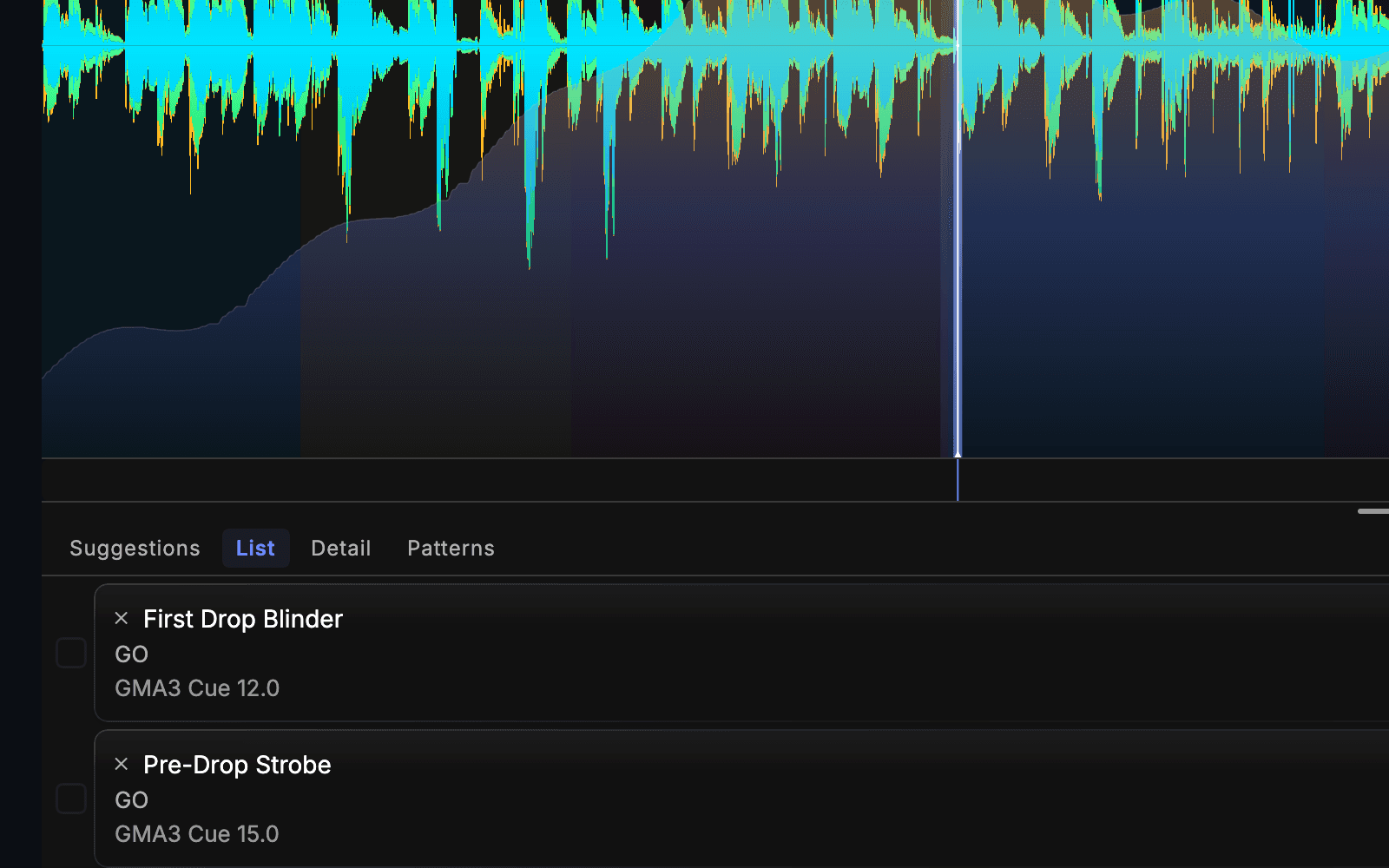
Audio-reactive sets, cue lists on timecode, or both in one show. Every cue reaches your lighting, video, playback and graphics together.
macOS 12+ · Apple silicon · Free account, no card · Live output needs a paid edition
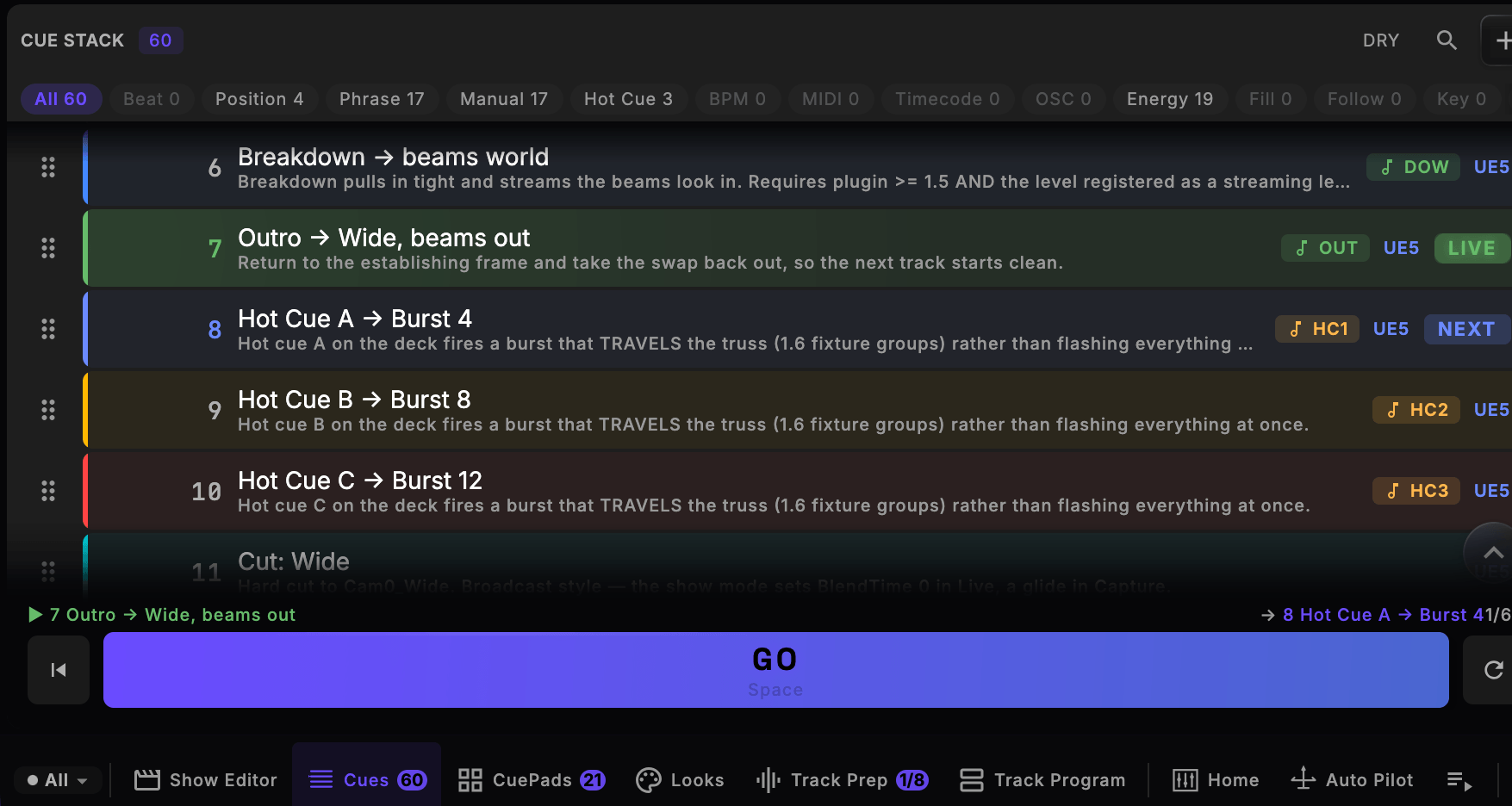
CueSync's Cues screen over a connected Pioneer CDJ-3000, cropped to the stack itself: a filter row counting the show's sixty cues by what fires them - Position 4, Phrase 17, Manual 17, Hot Cue 3, Energy 19, with Beat, BPM, MIDI, Timecode, OSC, Fill, Follow and Key each at zero - above rows carrying the operator's own prose ('Outro - Wide, beams out', 'Hot Cue A - Burst 4') and the output each targets, cue 7 marked LIVE and cue 8 NEXT, over a GO button bound to the space bar and the app's own section bar. Screen capture of the running app driven by a physically connected Pioneer CDJ-3000 (firmware 3.20, player 3, tempo master) over PRO DJ LINK on a link-local link, rekordbox USB mounted, 2026-08-30. Not a mock-up.
The shipping Mac app — a real screen capture.
Audio-reactive. The show follows the music, with each track planned before it plays.
Cue list and timecode. Runs on timecode or your GO, with a cue light on every backstage iPad.
Both, in one show. An audio-reactive set and a scripted cue list in one show file.
What changes on show night, and after the note session — each claim with the screen that shows it.
DJ follows the music, Theatre runs a cue list on timecode or your GO, and Production does both. A cue fires because the show arrived somewhere, not because a fixed number of beats elapsed.
One cue fires lighting, video, playback and real-time graphics together — coordinated and beat-aligned across all 15 output protocols, in every edition, straight from the cue to your rig.
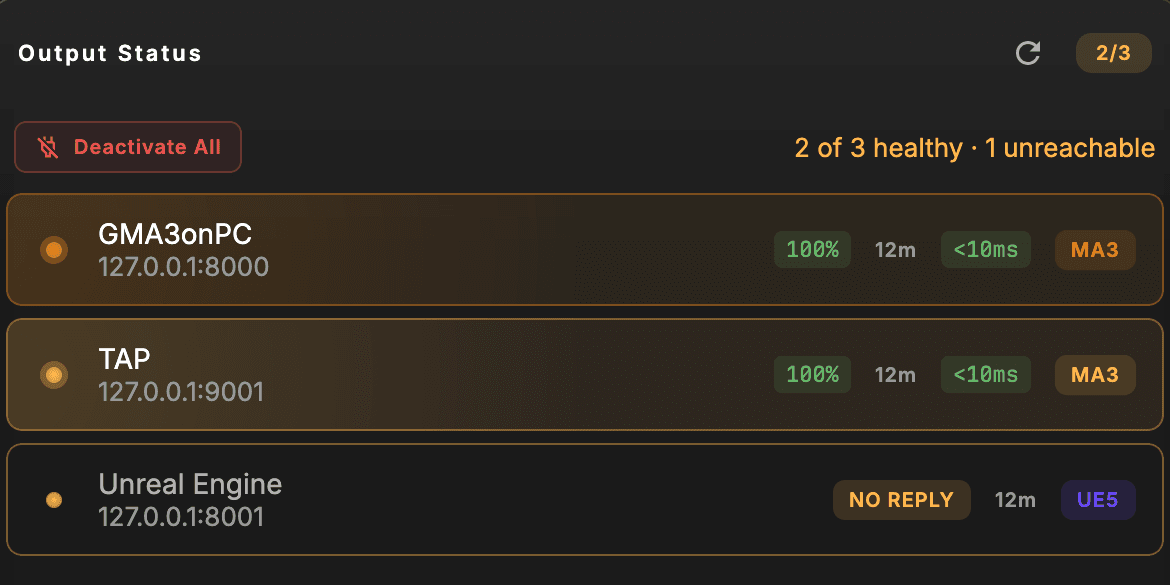
Press GO and the show is back in your hands. Session Sync previews every command before it sends one. A console that drops mid-show reconnects on its own and says so on the health panel.

A note from the director becomes cue 1.5 and every cue already on the desk keeps its number and its looks. Your rekordbox hot cues and loops come across with the track. Cue sheets export to files that open without CueSync.
| Document | For |
|---|---|
| Operator cue list | Every cue, in running order |
| Department sheet | One department's cues |
| Lighting · Media · Sound | A list for each desk |
| Calling script | The stage manager's book |
| Running order | The director's page |
Single-purpose tools each cover one slice: DMX from a DJ app, lights from timecode, cue playback. CueSync stage automation sits between the performance and all of them: one cue reaches the desk, the media server, playback and the lasers together, from the booth or from the call. 15 output protocols, in every edition. See how it compares.
Every frame below is the shipping macOS build. Four are rendered by the app itself from a demo show; two were captured on a real rig with a Pioneer CDJ-3000 connected. Nothing here was mocked up for the page.
Every department gets its own lane and its own console. One timecode ruler over the master audio, six lanes routed to six different desks, and a cue list that tells you which cues are drafted, tested and ready before you ever call the first one.
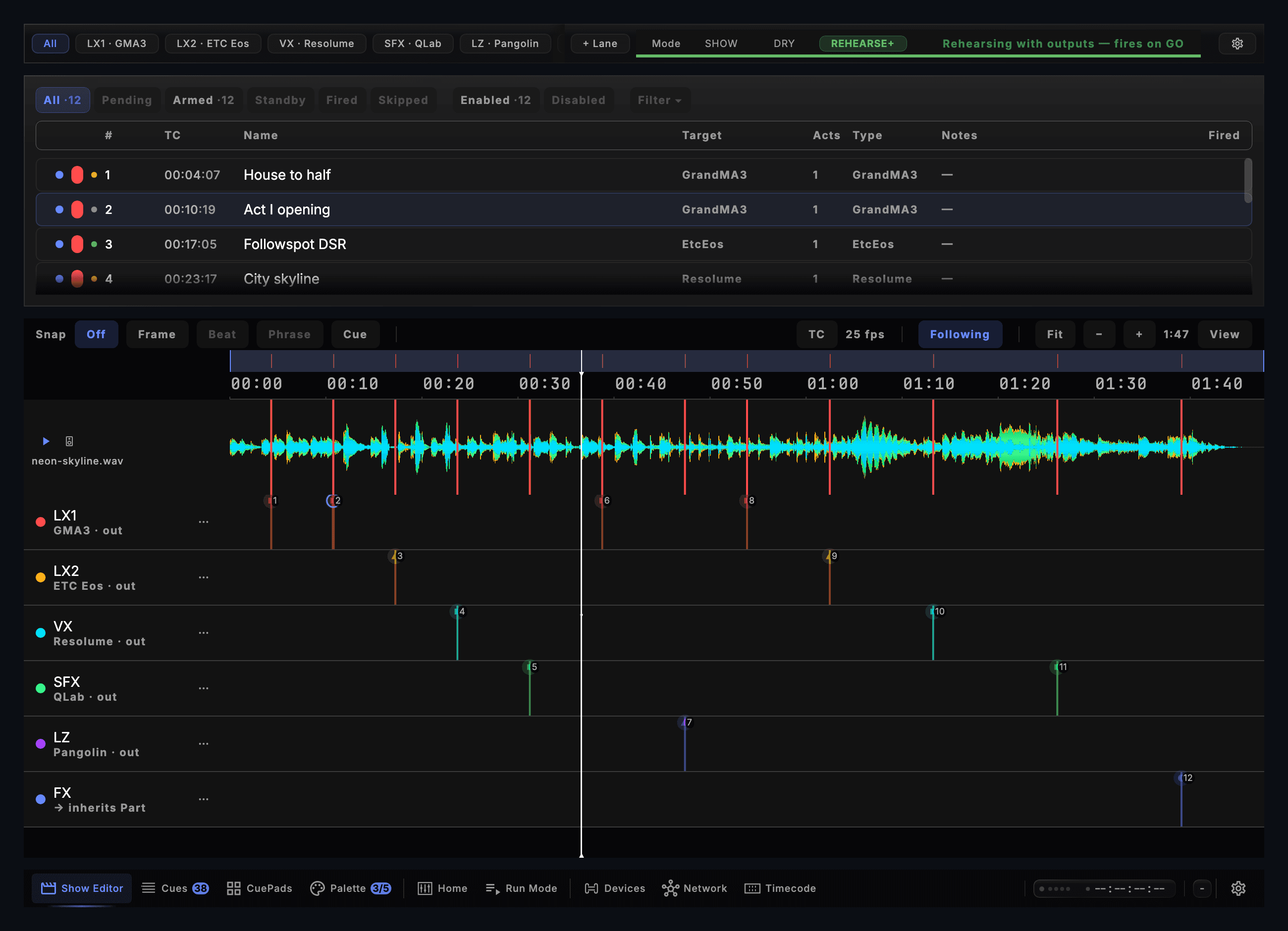
Every stage of a show, in the same order CueSync runs them at showtime.
CueSync takes its clock from whatever already runs your show — a PRO DJ LINK rig, your own audio files, LTC or MTC timecode, Ableton Link, or OS2L. No bridge box and no calibration pass.
Author cues against beats, phrases, BPM ranges, hot-cue hits, timecode, OSC, DMX input, energy, key — eighteen trigger types, dragged onto a cue stack in a desktop-native editor.
Cues fire on the beat, aligned to the music, with live timing diagnostics that show how it is holding up rather than hiding it. End-to-end timing depends on your protocol chain.
One cue reaches grandMA3, Resolume, QLab, disguise, TouchDesigner, Unreal and Pangolin together — coordinated and beat-aligned, with per-cue routing.
A connection that drops recovers automatically, and says so. Cues are never held back and replayed late — a command that could not land is reported to you, and recovery resumes from the show’s current state.
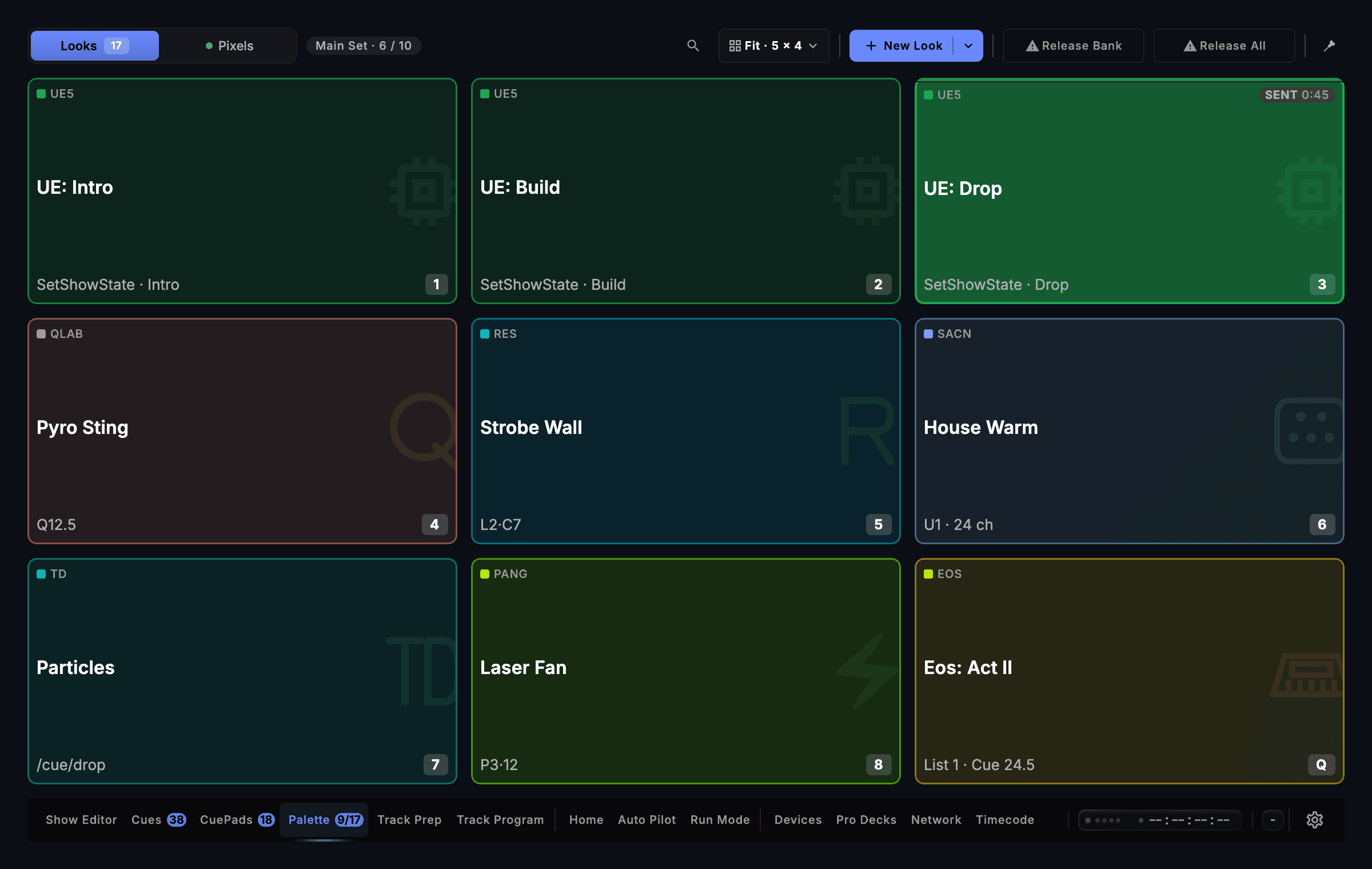
Every edition connects to every output. They differ in what sets the pace: the music, a script and a clock, or both.
Audio-reactive: the show follows the music.
billed annually · or $30/mo monthly · excl. tax
Cue list and timecode: one show, every department.
billed annually · or $32/mo monthly · excl. tax
Both in one show: audio-reactive sets and a cue list.
billed annually · or $55/mo monthly · excl. tax