Integration · Fixtures, pixels & lasers · Art-Net & sACN
Art-Net and sACN, on cue.
CueSync sends DMX over Art-Net and sACN to nodes, consoles and fixtures, drives an LED wall of its own, and sends Art-Net timecode alongside.
Art-Net & sACN spec sheet
| Speaks | Art-Net · sACN (E1.31) |
|---|---|
| Built for | Any Art-Net node · Any sACN receiver · DMX fixtures via Art-Net/sACN nodes · LED tape, tubes and panels via pixel controllers · ETC, ChamSys, Avolites and Zero 88 consolesBuilt to the published Art-Net and sACN (E1.31) specifications. |
| Editions | In DJTheatreProduction |
| Manual | /help/protocols/artnet-configuration |
The output is in every edition. A capability marked with an edition needs that edition.
What CueSync sends to Art-Net & sACN
| Art-Net Output | Send Art-Net DMX to nodes, consoles, and fixtures over your show network. |
|---|---|
| sACN (E1.31) Output | Stream sACN universes for installations and large fixture arrays. |
| Pixel Wall | Light LED tape, tubes or a panel without a desk. The wall follows the music or your cues, and says plainly why it is dark when it is. |
| Find and Identify Nodes | Scan finds your nodes and the universes they output, Identify lights each one, and CueSync shows what every universe holds. |
| Fixture Names from Your MVR | Import the MVR your console or visualiser exports, and every DMX channel in a Look reads by fixture name. |
| DMX Looks and Scenes | Fire a DMX Look — a channel map you define — from any trigger your edition has: the beat, timecode, a pad or your GO. |
Set it up
Art-Net & sACN with CueSync, in 4 steps.
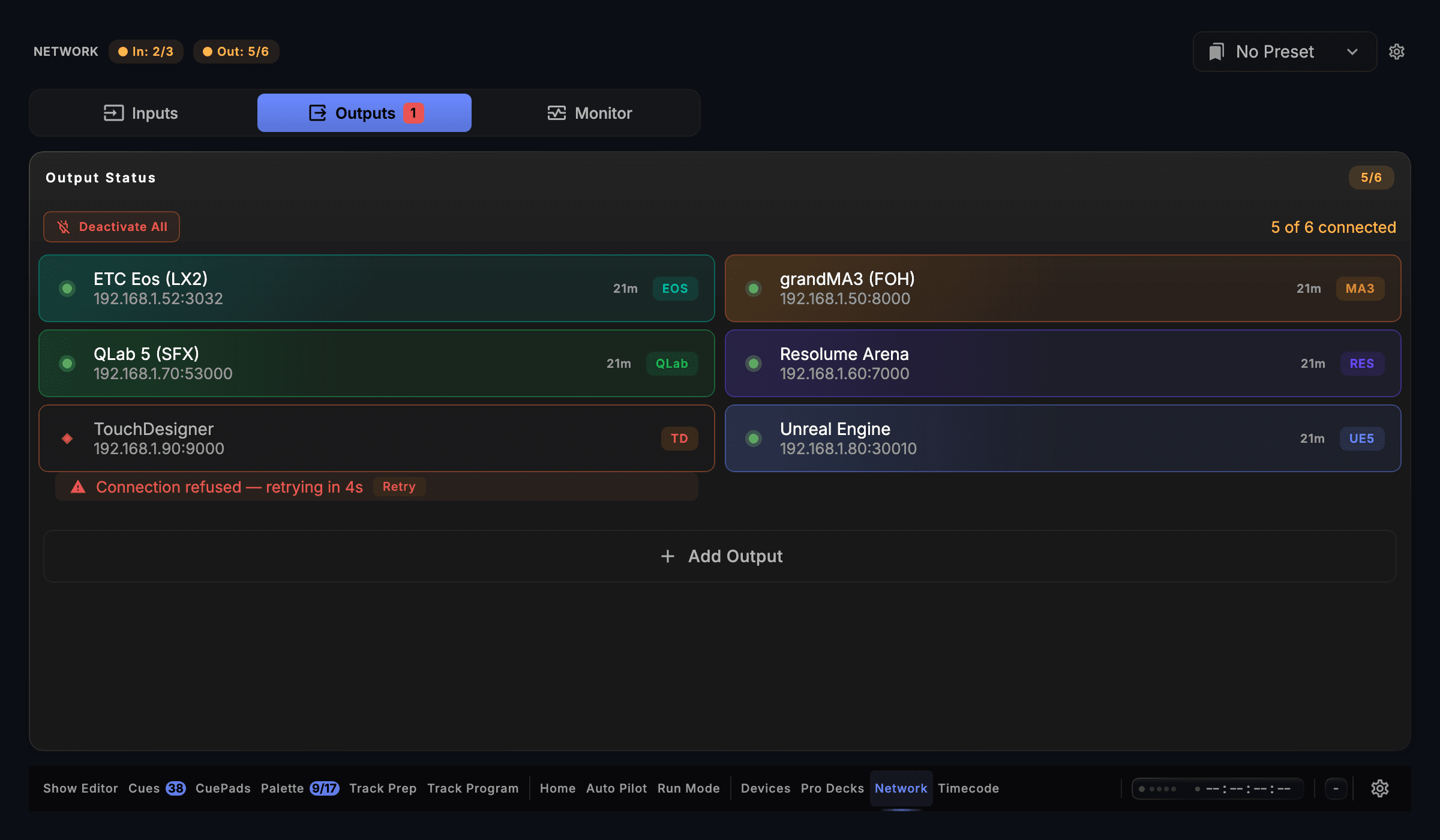
- 1Choose Output → Add Output… (or the + on Network → Outputs), pick Art-Net (DMX) or sACN (E1.31), and enter the node's address. The port and universe fill in with the protocol defaults, and sACN runs multicast or unicast.
- 2Connect CueSync to the same network as your Art-Net nodes or sACN receivers. Most rigs run on a flat 10.x.x.x or 2.x.x.x show LAN.
- 3In the Palette, create a DMX Look — a table of channels and values on a universe — or give a cue or pad an Art-Net or sACN action, then bind it to any trigger your edition has.
- 4Fire a Look and confirm the fixture responds. For an LED wall, set the rig up under Settings → Pixels and follow its checklist.
Integration details
Specifics that hold up in production
What CueSync's Art-Net & sACN integration does and how it behaves — the things you can check before the show.
- A node that stops answering is named
- CueSync flags an Art-Net node that stops answering, and a show saved on another computer opens with its Art-Net and sACN outputs held until you press Connect.
Art-Net & sACN questions
Does CueSync send DMX over Art-Net and sACN?
Yes, in every edition. Add an Art-Net or sACN output under Network → Outputs, point it at your node's address, and fire a DMX Look or scene from any cue. Art-Net timecode output is separate and available too.
Does CueSync support multiple Art-Net or sACN universes?
Yes. There is no per-edition cap; the practical limit is your network and your fixture count.
Can CueSync light an LED wall on its own?
Yes, in every edition. The built-in Pixel Wall drives LED tape, tubes and panels over Art-Net or sACN with no lighting desk in between. Set the rig up under Settings → Pixels; its checklist walks you through the node, the patch and an Identify.
Can I send Art-Net and sACN at the same time?
Yes. Both protocols run concurrently with independent universe maps, useful when one console reads Art-Net and another reads sACN on the same rig.
What's the difference between Art-Net and sACN, and which should I use?
sACN (E1.31) is the modern protocol — multicast, lower bandwidth, designed for installations. Art-Net is older but more universally supported, especially for budget nodes and free software. Use sACN if your gear supports it; Art-Net otherwise.
Different question? Ask us directly.
Last reviewed .
Guides
Guides for this rig
Step-by-step guides for a show that runs with Art-Net & sACN.
Run your next show on cue.
Download CueSync free and run the built-in demo show — press Space and watch each cue fire on screen with nothing sent to real equipment, no hardware required. Subscribe when you're ready to drive a real rig.
Art-Net™ Designed by and Copyright Artistic Licence Engineering Ltd. CueSync is an independent product and is not affiliated with or endorsed by Artistic Licence. Other product and protocol names on this page are the property of their respective owners and are used only to describe compatibility.