Integration · Video · disguise
disguise, on cue.
CueSync sends OSC to disguise in real time — jump sections, drive transport, and fire cues on the same cue as lighting and sound.
disguise spec sheet
| Speaks | OSC |
|---|---|
| Built for | disguise gx 3 / gx 2c · vx 4 / vx 2 · rx II · disguise Designer softwareSpeaks disguise's OSC show-control interface, on a gx, vx or rx server or in Designer. |
| Editions | In DJTheatreProduction |
| Manual | /docs/connect/network-outputs |
The output is in every edition. A capability marked with an edition needs that edition.
What CueSync sends to disguise
| OSC Transport & Sections | CueSync drives disguise transport and section jumps over OSC — beat-aligned timeline control without a manual operator on the GO. |
|---|---|
| Cue Triggering | Fire section and cue jumps on beat drops, energy changes, or phrase transitions. |
| Beat-Phase Locking | Sections land on the downbeat — CueSync locks to beat phase, not just BPM. |
| Per-Show Profiles | Save disguise routing per production and recall it instantly. |
| Multi-Destination Routing | Drive disguise alongside lighting and laser outputs from the same audio triggers. |
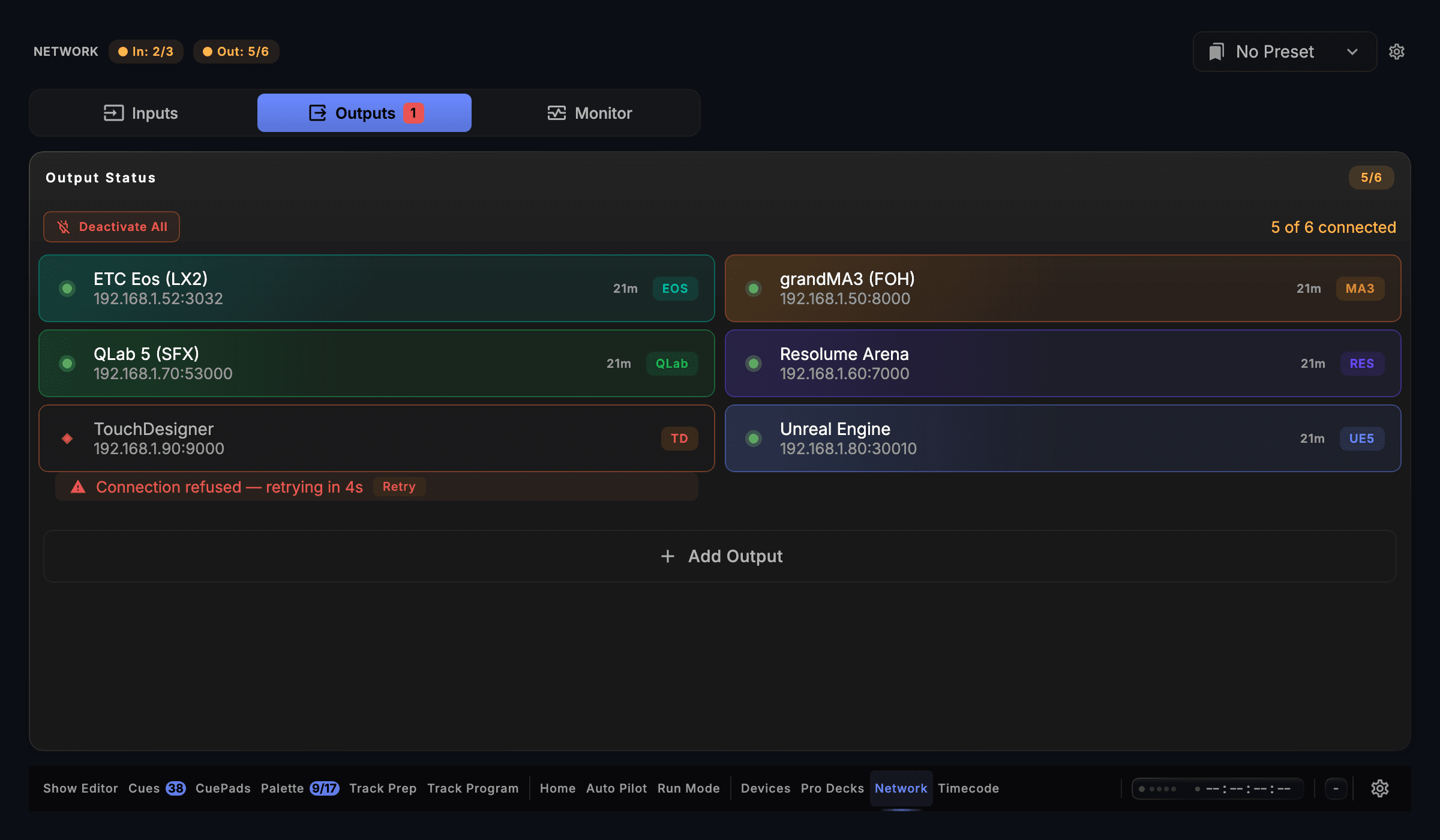
| Live Connection Status | The disguise connection state and health are always visible, and a failed send CueSync can detect raises an operator notification. |
Set it up
disguise with CueSync, in 4 steps.
- 1Enable OSC control in disguise (Multi-Transport Manager / OSC settings) and note the IP and port.
- 2Add a disguise OSC output in CueSync pointing at that address.
- 3Map CueSync triggers to disguise transport, sections, and cues in a cue's actions.
- 4Press Test Connection to check the host is reachable on the network. Before you subscribe it only pings; with a paid plan, fire a cue and watch it land.
Integration details
Specifics that hold up in production
What CueSync's disguise integration does and how it behaves — the things you can check before the show.
- disguise — OSC port 3031
- Transport and section control go to disguise over OSC on port 3031.
- Beat-aligned timing
- CueSync times cues to the beat phase of the music and is designed for live production. What you see and hear end to end also depends on your network, console or media server, and fixtures, so confirm the whole chain on your own rig before a show.
- Every output protocol, one application
- CueSync ships 17 output protocols from a single desktop application: grandMA2 (Telnet), grandMA3 (TCP OSC and UDP OSC), Avolites Titan, ETC Eos, ChamSys MagicQ, Art-Net, sACN, Resolume, disguise (d3), VIOSO Player/Show, AV Stumpfl Pixera, TouchDesigner, Unreal Engine 5, QLab 5, MIDI Show Control, Pangolin BEYOND, and Custom OSC. Every CueSync edition includes every protocol.
disguise questions
Does CueSync drive the disguise timeline?
Yes — it sends OSC transport and section jumps so the disguise timeline follows the music in real time.
Software or hardware servers?
Either — disguise Designer software and gx/vx/rx hardware servers both expose the same OSC control surface.
Can it run with lighting at the same time?
Yes — CueSync fans the same beat/phrase triggers out to disguise plus any lighting console and media software in parallel.
Different question? Ask us directly.
Last reviewed .
Guides
Guides for this rig
Step-by-step guides for a show that runs with disguise.
How-to guides
Run your next show on cue.
Download CueSync free and run the built-in demo show — press Space and watch each cue fire on screen with nothing sent to real equipment, no hardware required. Subscribe when you're ready to drive a real rig.
disguise™ is a trademark of Disguise Technologies Ltd. CueSync is an independent product and is not affiliated with or endorsed by Disguise.