Integration · Engines · TouchDesigner
TouchDesigner, on cue.
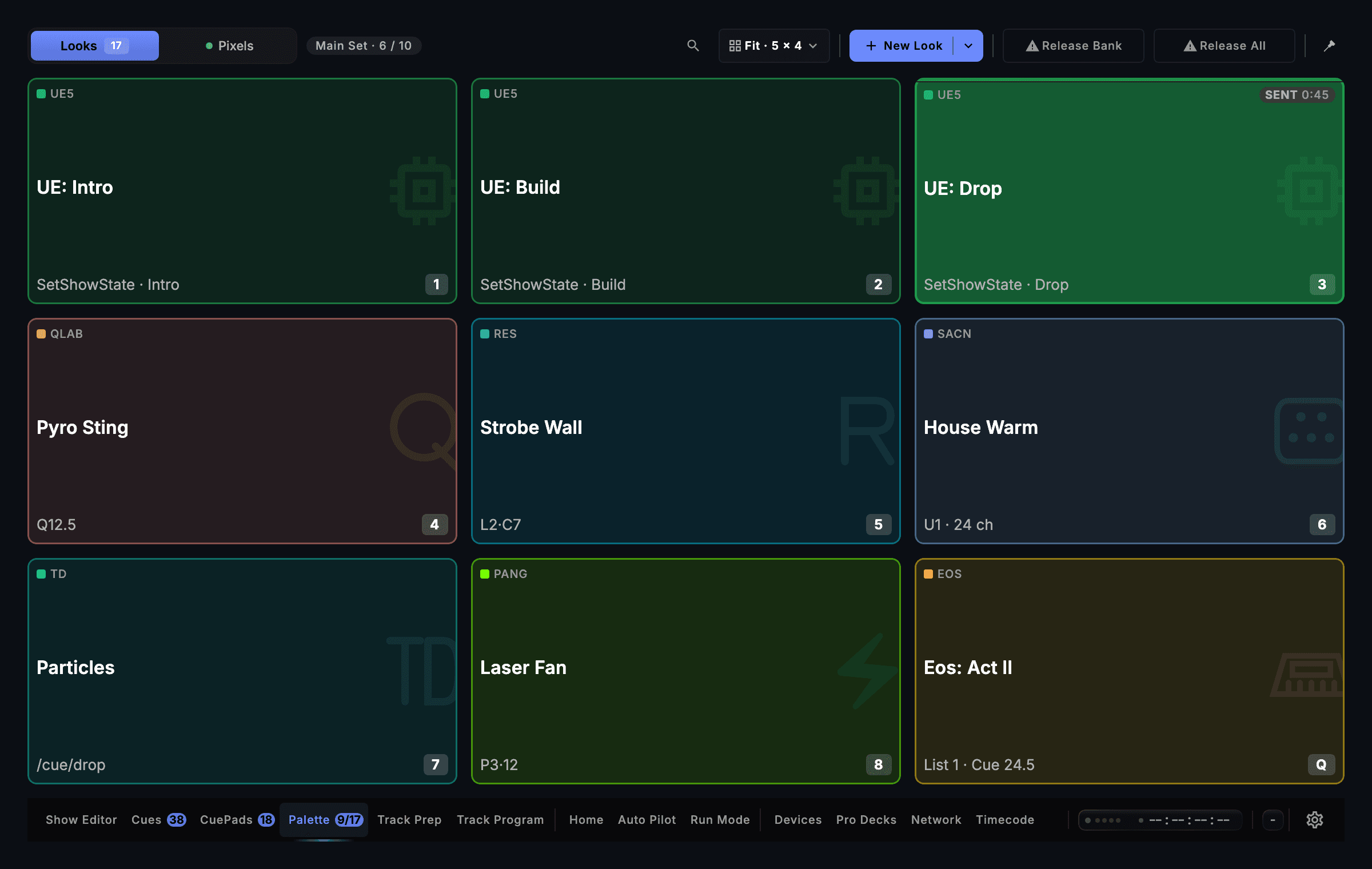
CueSync streams OSC and MIDI — beat, energy, frequency bands, phrase changes — straight into TouchDesigner's OSC In CHOP/DAT for real-time generative visuals.
TouchDesigner spec sheet
| Speaks | OSC · MIDI |
|---|---|
| Built for | TouchDesigner (Commercial) · TouchDesigner Pro · Educational · Non-CommercialSends to TouchDesigner's own OSC and MIDI inputs. |
| Editions | In DJTheatreProduction |
| Manual | /docs/connect/network-outputs |
The output is in every edition. A capability marked with an edition needs that edition.
What CueSync sends to TouchDesigner
| OSC In Streaming | CueSync streams continuous OSC straight into a TouchDesigner OSC In CHOP/DAT — no bridge software. |
|---|---|
| Energy & Band Parameters | Map the CueSync Bus's energy and bass, mid and high values to operator parameters for reactive geometry, color, and motion. |
| Phrase & Section Events | Fire discrete OSC events on phrase changes and drops to switch scenes or compositions. |
| Beat-Phase Locking | Visuals snap to the downbeat — CueSync locks to beat phase, not just BPM. |
| Beat-Aligned Triggers | Beat events go out to TouchDesigner as OSC on the beat, so your network moves with the music. |
| Multi-Destination Routing | Fan the same triggers out to parallel TouchDesigner and Unreal pipelines at once. |
Set it up
TouchDesigner with CueSync, in 4 steps.
- 1Add an OSC In CHOP (or OSC In DAT) in TouchDesigner and set a listening port.
- 2Add a TouchDesigner OSC output in CueSync pointing at the machine and port.
- 3Map CueSync triggers and continuous parameters to OSC addresses in a cue's actions.
- 4Watch values arrive live in TouchDesigner and in CueSync's OSC monitor.
Integration details
Specifics that hold up in production
What CueSync's TouchDesigner integration does and how it behaves — the things you can check before the show.
- TouchDesigner — OSC port 9000
- Beat, phrase and energy events arrive as OSC on port 9000, readable by a stock OSC In DAT or CHOP — no custom patching required to receive them.
- Beat-aligned timing
- CueSync times cues to the beat phase of the music and is designed for live production. What you see and hear end to end also depends on your network, console or media server, and fixtures, so confirm the whole chain on your own rig before a show.
- Every output protocol, one application
- CueSync ships 17 output protocols from a single desktop application: grandMA2 (Telnet), grandMA3 (TCP OSC and UDP OSC), Avolites Titan, ETC Eos, ChamSys MagicQ, Art-Net, sACN, Resolume, disguise (d3), VIOSO Player/Show, AV Stumpfl Pixera, TouchDesigner, Unreal Engine 5, QLab 5, MIDI Show Control, Pangolin BEYOND, and Custom OSC. Every CueSync edition includes every protocol.
TouchDesigner questions
Continuous parameters or just triggers?
Both — CueSync streams continuous energy/frequency values as OSC and also fires discrete events on beats, phrases, and drops.
Does it need a bridge or plugin?
No. TouchDesigner's native OSC In CHOP/DAT receives CueSync's stream directly.
Can I drive TouchDesigner and Unreal at once?
Yes — each CueSync trigger can fan out to multiple OSC destinations with independent addresses.
Different question? Ask us directly.
Last reviewed .
Run your next show on cue.
Download CueSync free and run the built-in demo show — press Space and watch each cue fire on screen with nothing sent to real equipment, no hardware required. Subscribe when you're ready to drive a real rig.
TouchDesigner® is a trademark of Derivative Inc. CueSync is an independent product and is not affiliated with or endorsed by Derivative.